當我們在搜尋某個關鍵字時,如果能在搜尋結果的網頁中把我們要找的關鍵字以高亮度顯示,會增加閱讀網頁的效率。
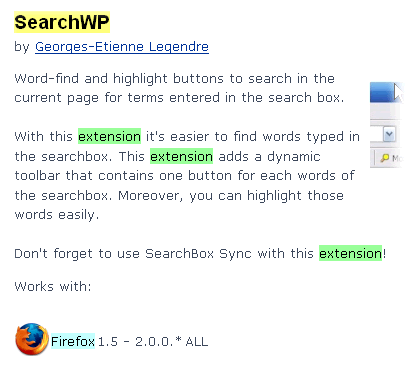
今天要介紹的 SearchWP 便是能提供這個功能的擴充套件。
當安裝完之後記得要先自訂工具列,然後把「關鍵字工具列」及「標示」按鈕拉到適合的位置。
之後只要在搜尋框裡輸入關鍵字,然後按下「標示」按鈕,網頁裡被對應到的字變會以高亮度顯示,就像下面這樣:

如果在關鍵字工具列按下某關鍵字時,便會在網頁中尋找該關鍵字。
當我們在搜尋某個關鍵字時,如果能在搜尋結果的網頁中把我們要找的關鍵字以高亮度顯示,會增加閱讀網頁的效率。
今天要介紹的 SearchWP 便是能提供這個功能的擴充套件。
當安裝完之後記得要先自訂工具列,然後把「關鍵字工具列」及「標示」按鈕拉到適合的位置。
之後只要在搜尋框裡輸入關鍵字,然後按下「標示」按鈕,網頁裡被對應到的字變會以高亮度顯示,就像下面這樣:
如果在關鍵字工具列按下某關鍵字時,便會在網頁中尋找該關鍵字。